Live — sellers use it today
Your stock, in front of the customers who buy it.
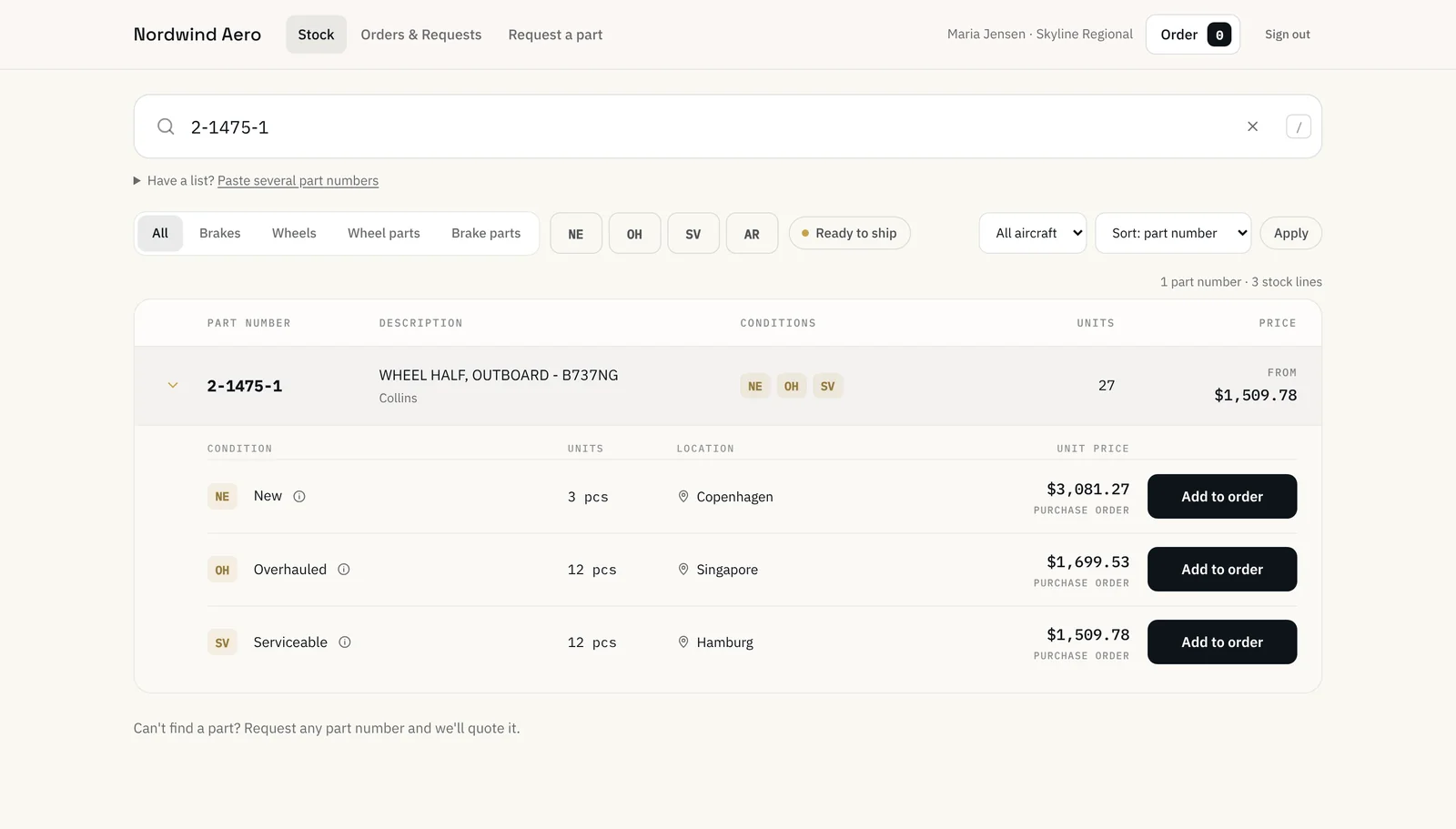
Avilinkr Sell gives you a storefront in your own colours, at yourcompany.avilinkr.com or your own domain. The customers you invite see your stock at their prices, order priced parts with a PO and ask for a quote on everything else.
Meet Gunnar
Gunnar loves his stock so much he keeps it hidden. A 54-second film about what happens when he gives it a shop window.
Up and running in an afternoon
- 1
Load your stock
Upload a spreadsheet or connect a stock feed from your ERP. Part number, condition, quantity, location and price.
- 2
Decide who sees what
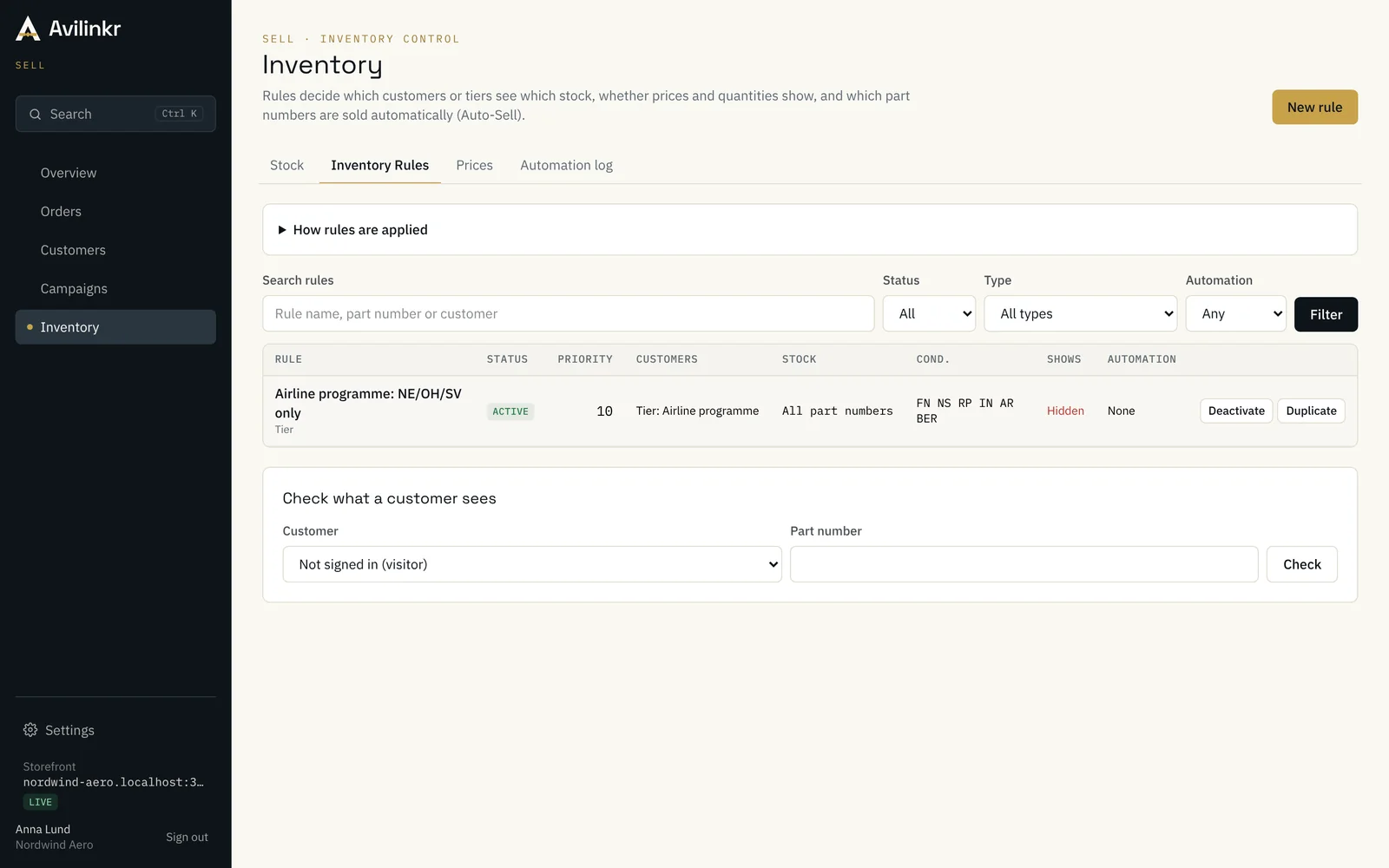
Set rules by customer, tier, part number or condition: visible or hidden, price shown or on request, and what Auto-Sell may sell.
- 3
Invite your customers
Add the companies you trade with and invite their buyers. Each contact gets a personal link — no sign-up form.
- 4
Orders and requests come in
POs for priced parts and RFQs for the rest land on one board, and in your inbox, ready to answer.
What your customers get
A storefront that respects how airline and MRO buyers already work.
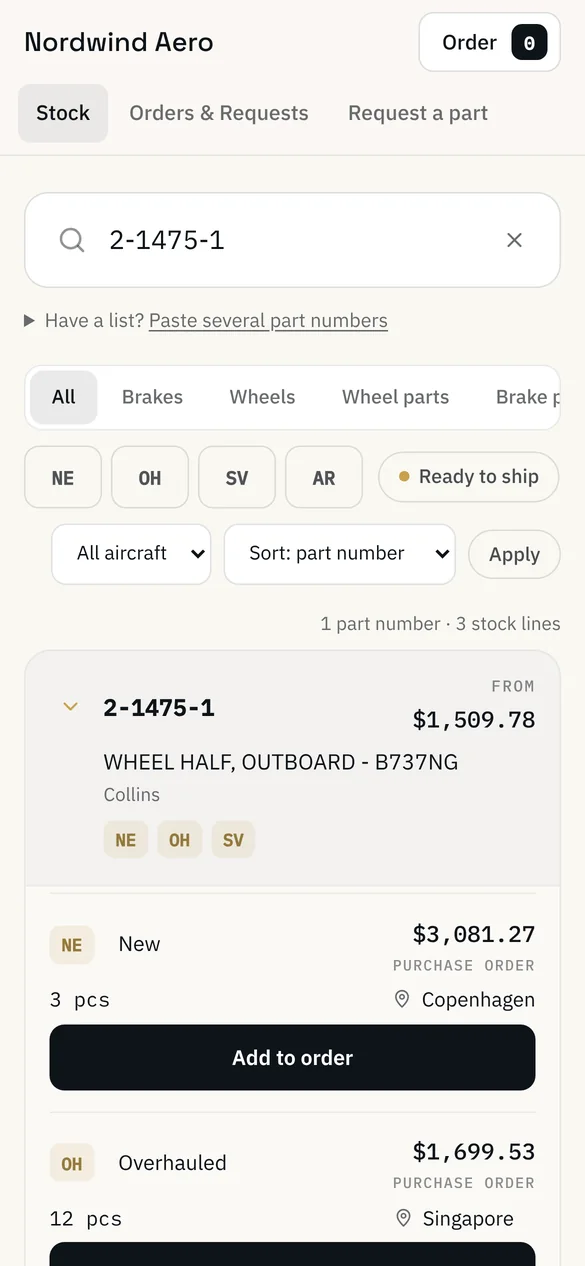
- Your stock at their prices
- Each customer sees the parts you choose to show them, with their tier’s prices, conditions and certificates.
- Order or ask in one place
- Priced parts go straight onto a PO. Anything without a price becomes a request for quotation — one basket for both.
- Request a part you don’t list
- Buyers can ask for any part number, with quantity, condition and AOG flag, even if it isn’t in your stock.
- Every order and request in one list
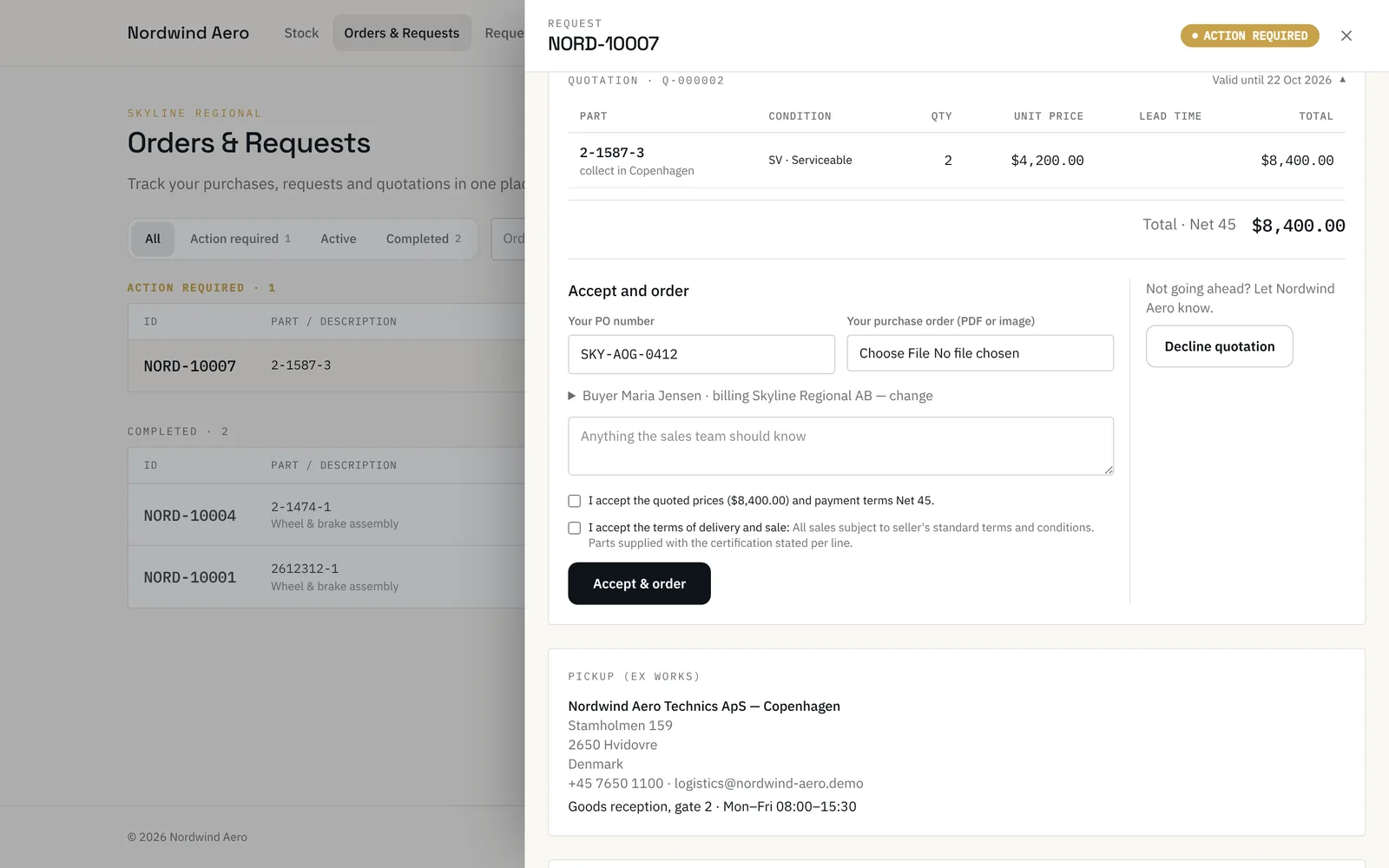
- Quotations, POs, sales orders and pick-up details for each deal, in one place they can come back to.
- Kept up to date by email
- An email when they ask, when you quote and when the order is confirmed. They can answer by replying.
- Pick-up from the right location
- If you hold stock in several warehouses or workshops, each line shows where the part is collected from.
What your team gets
Less retyping, faster answers and a record of every deal.
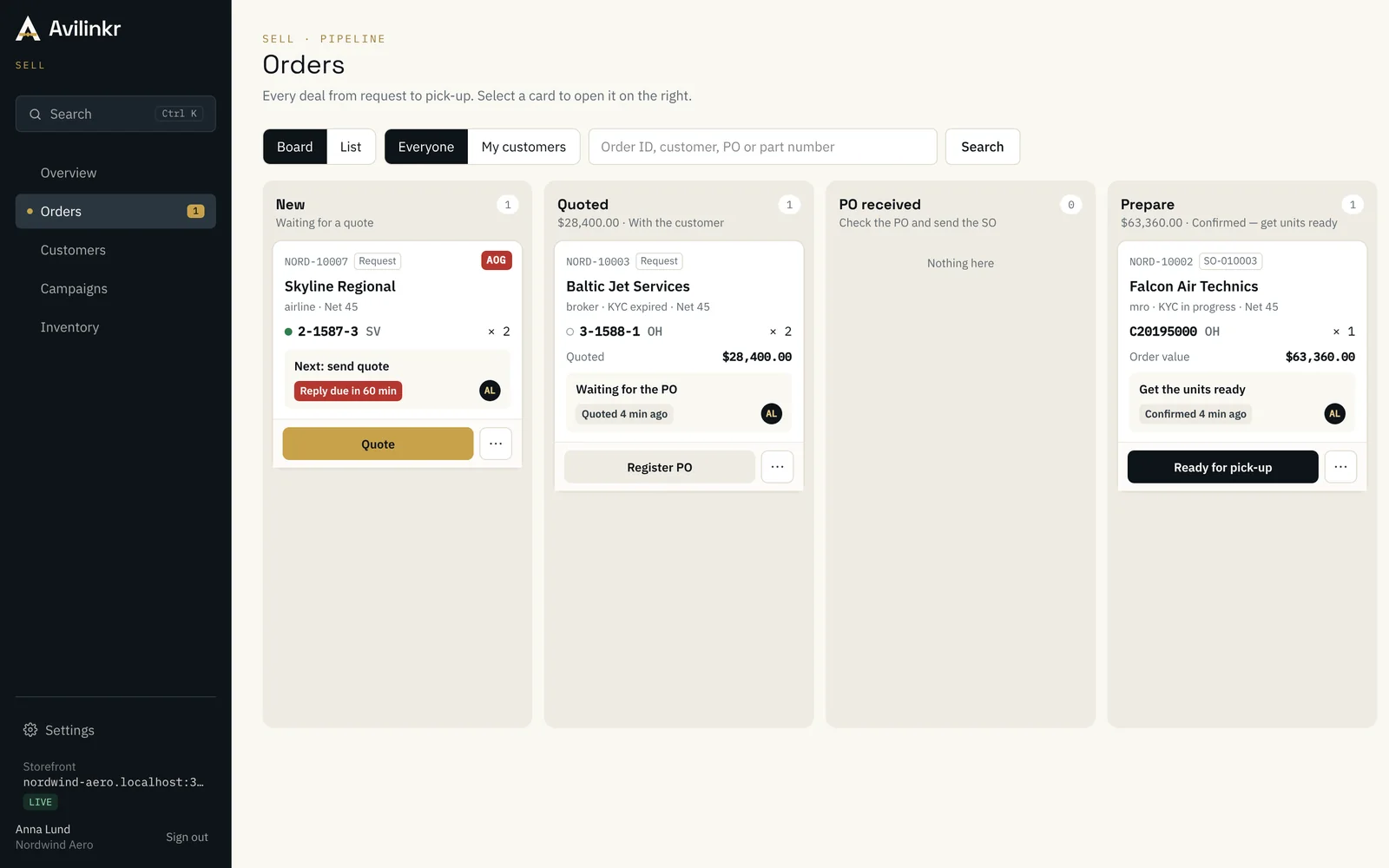
- Orders and requests board
- Every PO and RFQ by status — new, quoted, PO received, sales order sent, ready for pick-up — with AOG requests on top.
- Auto-Sell inside your rules
- Routine requests for stock you’ve approved are quoted or confirmed automatically. Anything outside the rules waits for a person.
- Quotations in your design
- PDF quotations and sales confirmations with your logo, terms and validity, sent from your own address if you like.
- Reply from email
- Salespeople get each new request by email and can answer straight from their inbox. The answer is saved on the deal.
- Text alerts for AOG
- Each salesperson chooses whether to get a text for every new request, only AOG ones, or none.
- Campaigns to your customers
- Send selected stock to selected customers by email and see who opened, clicked and asked for a quote.
- Customer tiers and prices
- Price lists by tier, set as a percentage or per part, so every customer sees the right number.
- Team roles and audit log
- Owners, admins and sales, each with the access they need, and a record of every change.
Questions sellers ask
- Do my customers have to create an account?
- No. You add the company and invite the people who buy. They get a personal link, choose a password and are in. Everything also works by email.
- Does it replace our ERP?
- No. Your ERP stays the system of record. Avilinkr reads your stock. When an order comes in, you raise the sales order in your ERP as usual and add its number to the deal, so the customer sees it.
- Can we use our own domain and email?
- Yes. Use yourcompany.avilinkr.com from day one, or connect your own domain. Emails can be sent from your own address once it’s verified.
- Where is our data stored?
- On servers in the EU. Each seller’s data is kept separate, and your customers only ever see what your rules allow.
Ready to try it? Create your storefront or book a demo.
Bring a real RFQ, stock list or account.
We’ll walk through it in Avilinkr with you, on your own data, in 30 minutes. No obligation.